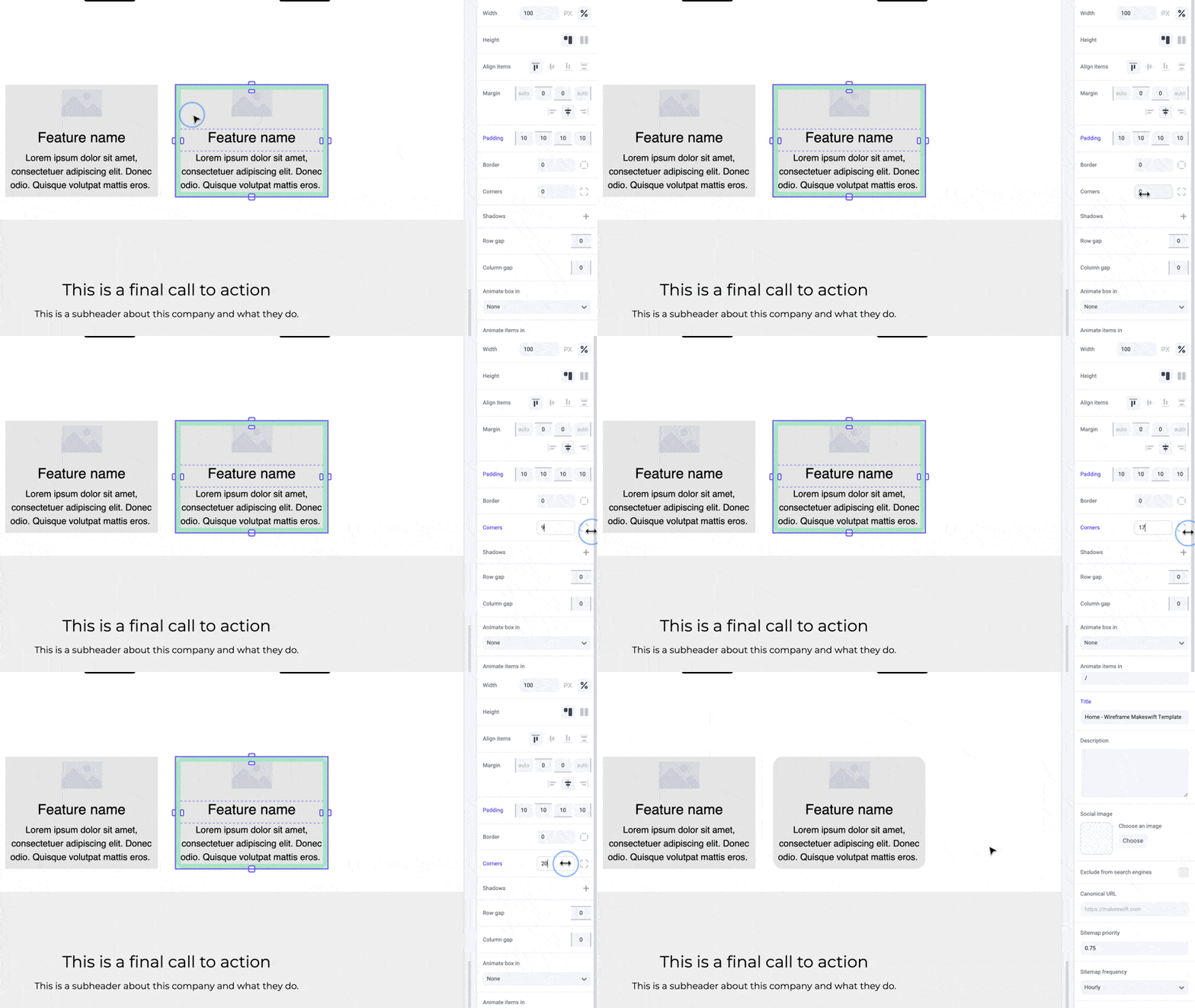
Pro tips
In Makeswift, you’re able to select which corners you want to change the radius for within a box, allowing you to create some interesting effects and shapes. Be sure to keep in mind the contents of your box or element as corner radius does not take content into account.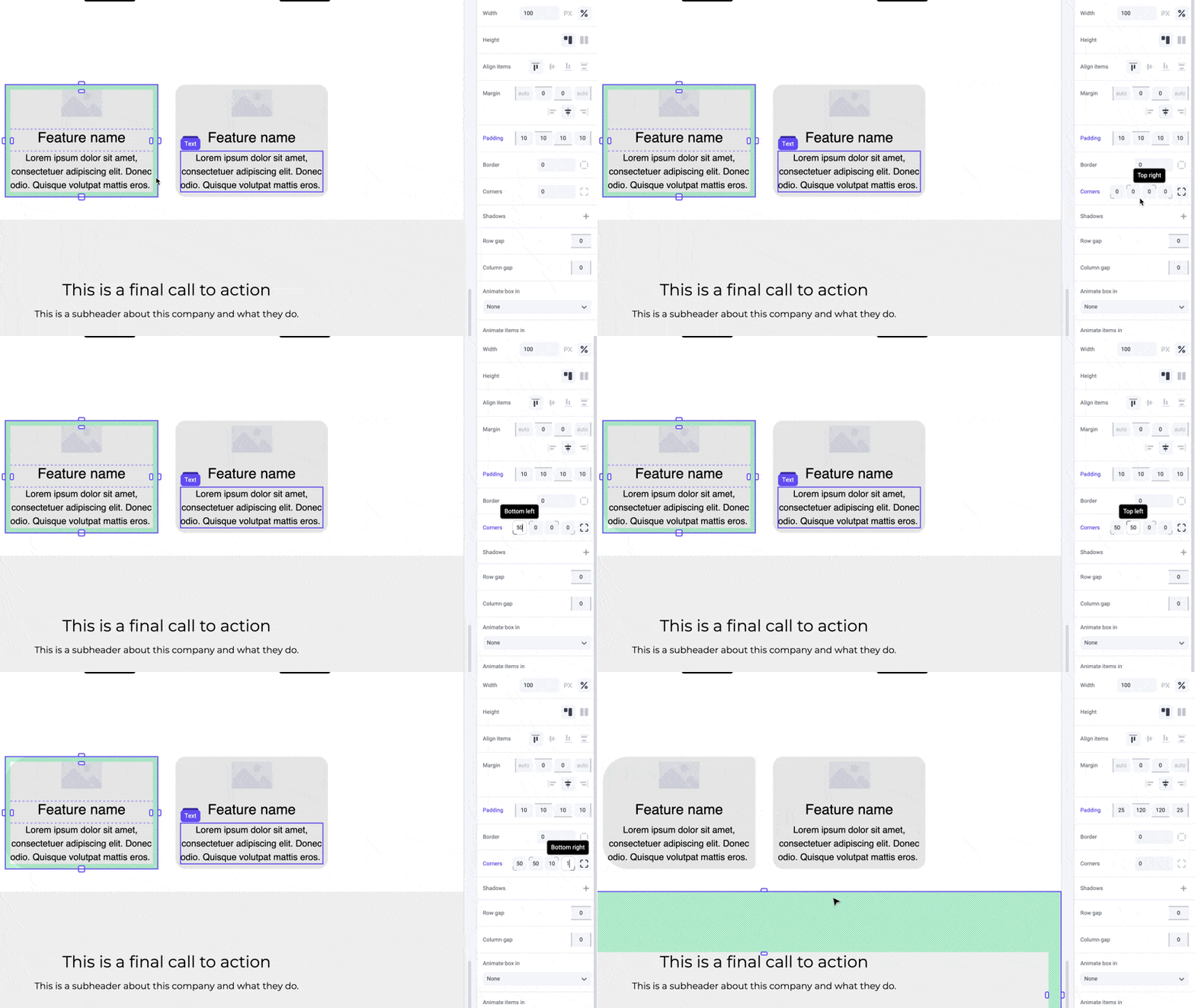
Shortcuts
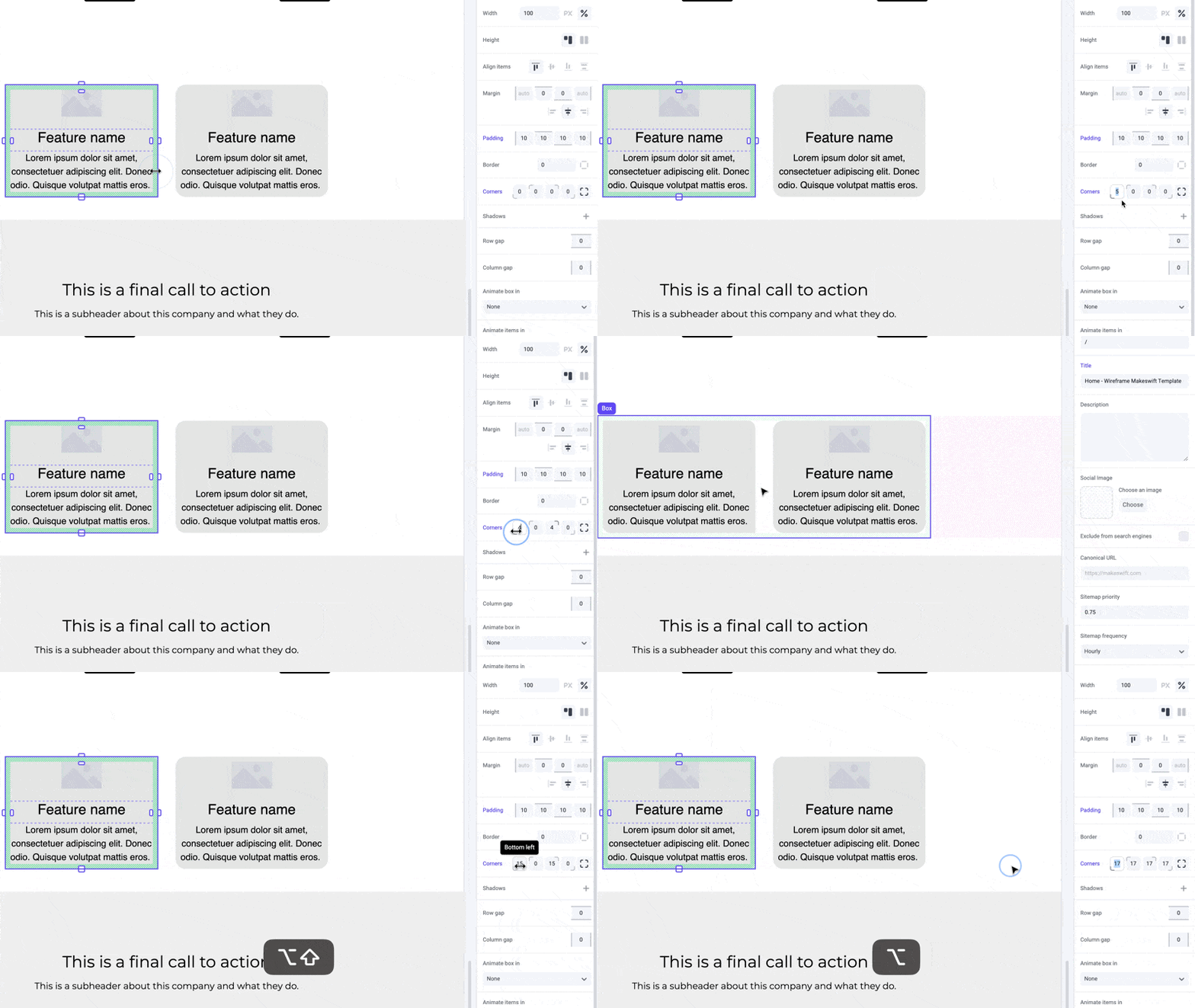
While dragging the panel inputs for individual corners, hold the⌥ Option or Alt key to equally change parellel corners of an element. Hold ⇧ Shift + ⌥ Option or Alt to equally change all corners.